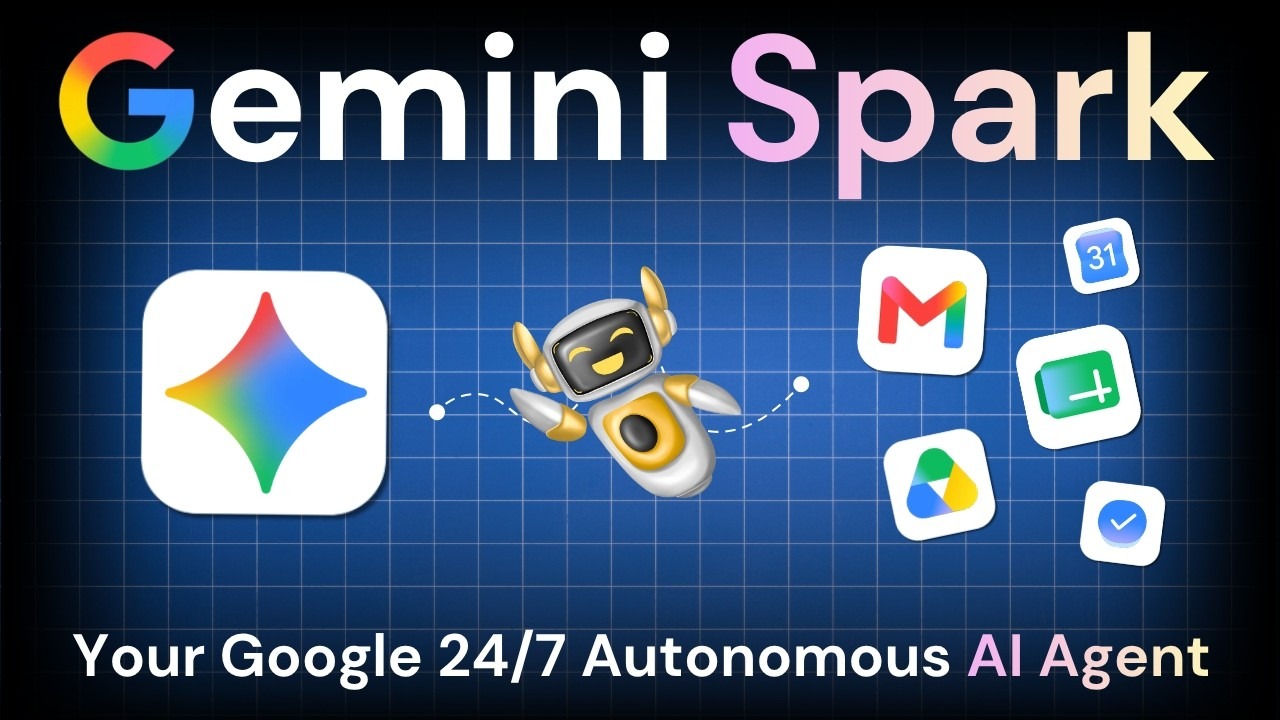

Google has launched Gemini Spark in India, introducing a 24/7 background AI agent designed to automate complex workflows across Workspace apps like Gmail and Sheets. Operating even when devices are locked, the tool handles administrative tasks under strict user control.
NEW DELHI — In a major expansion of its artificial intelligence ecosystem, Google announced the rollout of Gemini Spark in India. Unveiled as a 24/7 personal AI agent, Spark is engineered to transition generative AI from a purely reactive chatbot into an active digital partner capable of executing ongoing workflows. Running on Google's secure cloud infrastructure and powered by advanced models like Gemini 3.6 Flash, the tool operates quietly in the background—even when a user's phone is locked or their laptop is shut down—to manage routine digital chores and multi-app tasks autonomously.
Capabilities and Autonomous Workflow Execution
According to official company announcements, Gemini Spark functions by connecting natively with popular Google Workspace tools such as Gmail, Google Docs, Google Sheets, and Google Calendar without requiring complex setup procedures. Users can delegate multi-step projects, such as tracking travel booking emails and automatically logging them into spreadsheet itineraries, organizing wedding RSVP dietary restrictions into structured tables, or auditing monthly digital invoices for subscription price hikes. By operating continuously in the background, the agent handles time-consuming administrative duties under the user's direct supervision.
Security, Guardrails, and User Control
Addressing data privacy and operational security, Google emphasized that Gemini Spark operates strictly under user direction and control. Users retain full authority to choose whether to enable the agent, select which applications it can access, and define specific execution parameters. Furthermore, the system is designed with built-in safety guardrails requiring explicit user confirmation before executing high-impact actions, such as sending emails or completing financial transactions.
Official Sources Section
Product specifications, capability overviews, and rollout schedules were detailed in official corporate announcements released by Google.
Subscription criteria, platform availability guidelines, and technical parameters were outlined in official support documentation published via the Google Help Center.
Quote Section
"According to company statements, Gemini Spark fundamentally shifts AI from a reactive assistant that answers your questions into an active partner that gets real work done for you, even while you're sleeping."
Why It Matters
For professionals, entrepreneurs, and busy consumers in India, Gemini Spark introduces a new tier of digital productivity by minimizing manual administrative overhead. By delegating repetitive tasks to an autonomous background agent, users can reclaim significant daily time, streamlining everything from travel planning and subscription auditing to custom email drafting and calendar scheduling.
Key Facts at a Glance
New Product: Gemini Spark 24/7 personal AI agent.
Rollout Region: Expanding to subscribers in India.
Core Technology: Powered by Google's advanced cloud infrastructure and Gemini 3.6 Flash.
App Integration: Native connectivity with Google Workspace tools including Gmail, Docs, Sheets, and Calendar.
FAQ Section
What is Gemini Spark?
Gemini Spark is a 24/7 personal AI agent introduced by Google that can automate complex workflows and manage routine digital tasks in the background.
Who is eligible to use Gemini Spark in India?
The feature is rolling out to Google AI Pro and Ultra subscribers over the coming weeks.
Can Gemini Spark run when my device is closed?
Yes, because it operates on Google's cloud infrastructure, Spark can execute assigned tasks even when your phone is locked or your laptop is shut down.
Does Gemini Spark take actions without my permission?
No, the agent operates under user direction and is designed to check in or ask for confirmation before performing high-stakes actions like sending emails or making purchases.
Source: Google Blog, Google Support