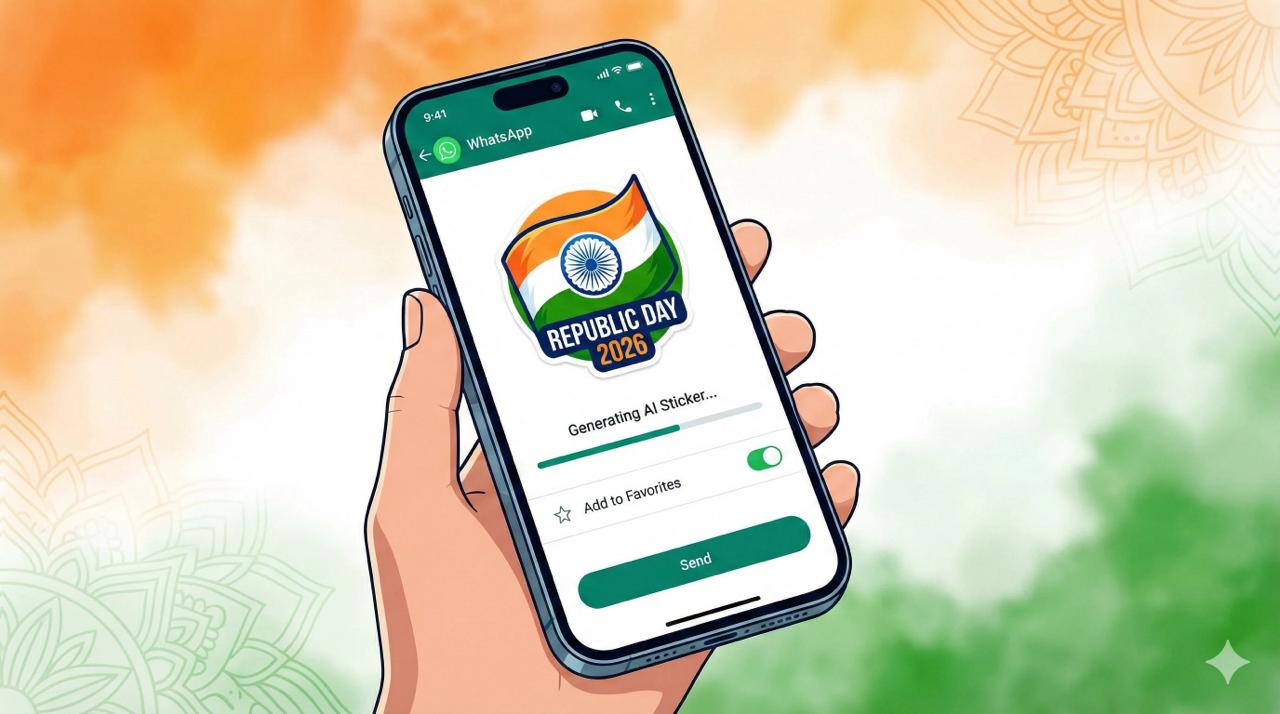


Ahead of Republic Day 2026, WhatsApp users are embracing tricolour-themed stickers to share patriotic messages with friends and family. These trending digital stickers, inspired by the Indian flag, are easy to download and use. A step-by-step guide ensures smooth access, making celebrations more vibrant and interactive across online conversations.
Show moreStay Ahead – Explore Now! A Journey Through Time and Light: Doug Aitken’s ‘Under the Sun’ Redefines Immersive Art in India















Copyright 2024 WOWNEWS 24x7. All rights reserved. The WOWNEWS 24x7 is not responsible for the content of external sites. Read about our approach to external linking.
Powered By Just Imagine