

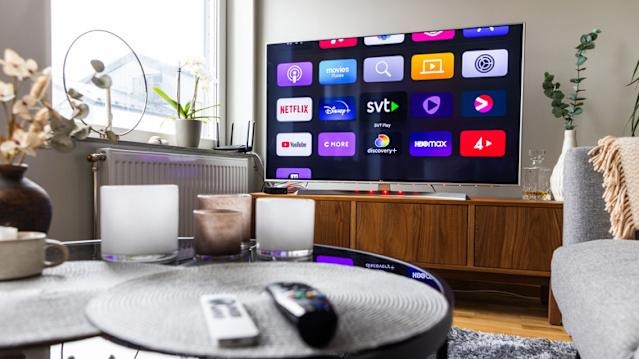
Smart TVs often slow down over time due to software glitches, storage limits, or network issues. Instead of rushing to buy a new device, users can try four simple fixes updating software, clearing unused apps, restarting the TV, and checking internet connectivity to restore performance and extend the life of their TV.
Smart TVs have become central to home entertainment, but many users complain of sluggish performance laggy menus, buffering streams, or apps that take forever to load. The good news is that these issues are often linked to software and settings rather than hardware failure, meaning you can fix them without spending on a new TV.
Key Highlights:
-
Update Software: Regular updates fix bugs and improve stability. Check your TV’s settings menu for pending updates.
-
Clear Storage: Delete unused apps and cached data to free up memory, which helps apps run faster.
-
Restart Properly: Perform a full reboot instead of just switching off. Many TVs only enter sleep mode, so cutting power completely can refresh performance.
-
Check Internet Connection: Slow Wi-Fi often causes buffering. Restart your router or connect via Ethernet for smoother streaming.
By following these steps, users can breathe new life into their existing smart TVs, avoiding unnecessary expenses while enjoying smoother streaming and faster navigation.
Sources: HT Tech, How-To Geek, Home Theater Academy