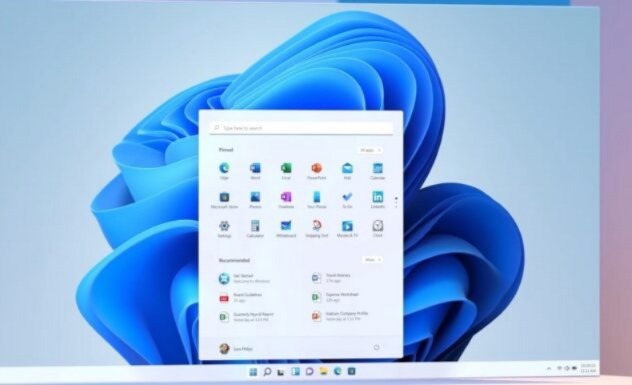


Microsoft is rolling out a new Windows 11 feature that allows users to share app windows directly with Copilot from the taskbar. By hovering over an app icon, users can select “Share with Copilot” to analyze, ask questions, or receive contextual assistance, enhancing productivity and accessibility across devices.
The latest Windows 11 builds introduce a seamless way to integrate Copilot into everyday workflows. Users can now share app windows directly from the taskbar preview, enabling Copilot to provide insights, answer queries, or guide tasks in real time. This feature, part of Copilot Vision, is designed to work across Intel, AMD, and non-AI PCs, ensuring broad accessibility.
Key Highlights
-
New “Share with Copilot” option appears when hovering over app icons on the taskbar
-
Feature works across devices, not limited to Copilot+ PCs
-
Copilot can analyze app content, provide contextual insights, and assist with tasks
-
Available in Windows 11 builds 26100.7309 (24H2) and 26200.7309 (25H2)
-
Supports both browser and app windows, enhancing productivity and collaboration
By embedding Copilot sharing directly into the taskbar, Microsoft is simplifying how users interact with AI assistance. This update strengthens Copilot’s role as a productivity companion, making contextual support more intuitive and accessible across Windows 11 environments.
Sources: Windows Latest, ElevenForum, Windows Forum