









Follow WOWNEWS 24x7 on:


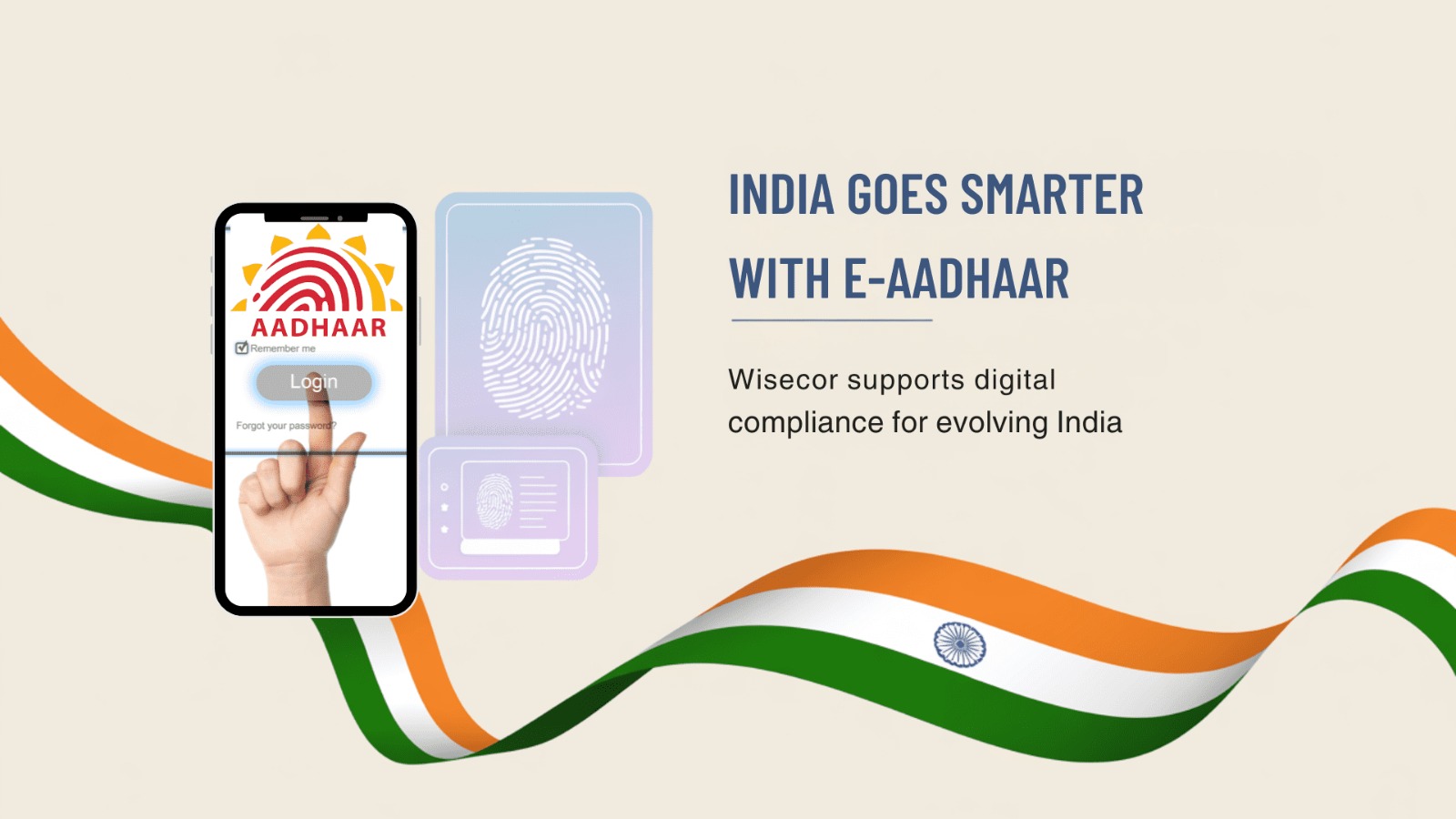
The Unique Identification Authority of India (UIDAI) provides e-Aadhaar, a password-protected electronic version of the Aadhaar card. Legally valid across India, it can be downloaded instantly via the UIDAI website or mAadhaar app. This digital format ensures convenience, security, and accessibility, reducing reliance on physical Aadhaar cards.
Show moreStay Ahead – Explore Now! Beyond the Shutdown: What the Gulf Airspace Crisis Teaches About Aviation Resilience and Trade Security



Updated: March 03, 2026 19:07

Updated: March 02, 2026 20:39

Updated: March 01, 2026 20:47











Follow WOWNEWS 24x7 on:





Copyright 2024 WOWNEWS 24x7. All rights reserved. The WOWNEWS 24x7 is not responsible for the content of external sites. Read about our approach to external linking.
Powered By Just Imagine
